


Aspiring Designers
- Starting from scratch
- Want structure, feedback & a roadmap
- Need a strong first portfolio
Master research, Figma, prototyping, design systems, and AI-native product workflows through live mentorship and portfolio projects.
 Figma
Figma Miro
Miro Maze
Maze Dovetail
 Notion
 Linear
 Perplexity
Three quick questions. No personal details needed.









Whether you're starting out, switching careers, or leveling up, this bootcamp helps you build practical design skills and a portfolio that gets noticed.
First six weeks shown upfront. Download brochure for complete 16-week roadmap across systems, accessibility, AI, portfolio, and interview prep.
Understand what designers actually do in product teams and how to position yourself.
Plan research, ask the right questions, and conduct live user interviews.
Turn messy notes into patterns, actionable insights, and user journey maps.
Organize information, audit IA, and map out core user flows for products.
Translate flows into low-fidelity wireframes and establish layout structures.
Build robust visual systems with scalable typography and colour choices.
Get full programme brochure with weeks 7-16, tools, case lenses, project outputs, portfolio milestones, and admissions details.
Learn core concepts at your own pace with curated materials & exercises.
The goal is not logo collecting. Each tool earns its place by helping a learner research, create, test, measure, or explain a design decision.
 Figma
Figma FigJam
 Notion
 Mobbin
 Maze
Maze Dovetail
 Miro
Miro Whimsical
 Optimal Workshop
 Balsamiq
 WebAIM
 Stark
StarkWe go beyond classrooms. Get expert guidance, build job-ready profiles, and connect with top recruiters—until you land your dream role.
Your go-to team for personalized career guidance and end-to-end placement support.
Tap into our network of hiring partners across startups, agencies and product companies.
Craft a standout LinkedIn profile and personal brand that gets you noticed.
Get expert feedback to showcase your skills and projects the right way.
Practice with industry experts and get actionable feedback to improve your performance.
From application strategies to interview readiness—we've got you covered.
Get shortlisted profiles directly shared with our hiring partners for relevant opportunities.
Make your profile recruiter-ready with keyword optimization and compelling content.
Too many UI/UX programmes teach software before judgment. This program starts with the part AI cannot replace: deciding what should exist, why it matters, and how to design it responsibly for real users.

"The market does not need more screen-makers. It needs designers who can reason across research, systems, accessibility, analytics, and AI."
The advantage is not just speed. It is using AI to compress execution while improving clarity, testing, and decision quality.
Each outcome maps to a portfolio artifact, a review standard, and a real design situation. Click through the capability stack to see what you will make and how it will be judged.
Turn ambiguity into a clear problem using interviews, journey maps, insight synthesis, and sharp HMW framing.
Use AI to explore directions faster while keeping information hierarchy, flows, visual craft, and human intent in control.
Create components, tokens, UI states, accessibility checks, and design rules that make products coherent beyond one screen.
Connect interface decisions to activation, retention, conversion, qualitative evidence, and experiment design.
Package your research, prototype, system logic, metrics, and reflection into a portfolio narrative that can survive interview scrutiny.
The credential is not the product. It is the marker issued after portfolio review, capstone completion, and showcase readiness.
Learners earn the credential after presenting the research, prototype, system decisions, accessibility pass, and final case-study narrative.
The certificate mockup includes credential ID, date of issue, and verification space so the award feels like a formal record, not a decorative badge.
The credential works best when linked to a portfolio case study, final deck, and interview narrative that explain how the learner thinks.

has successfully completed the intensive programme, demonstrating proficiency in User Research, Interface Systems, Accessibility, and AI-augmented product design workflows.

Short answers before you start the fit check.
No. This is a UI UX programme, not a software engineering curriculum. You will, however, learn how to collaborate better with AI tools and engineering teams so your designs are more production-aware.
The difference is the balance. This programme connects human-centered foundations with AI-native workflows, accessibility, analytics, and portfolio storytelling instead of teaching isolated software tricks.
Sessions are recorded, but the live critique rhythm is important. This programme is strongest when you can participate regularly, ask questions, and get feedback on your evolving work.
The capstone is a comprehensive product design case study built through a human-led, AI-executed workflow. It includes problem framing, research, flows, interface design, system logic, and a final presentation narrative.
After you complete the fit check and brochure request, the admissions team can share the current cohort logistics, fee details, and next steps based on your profile.
No. What this programme is designed to improve is your readiness: better case studies, stronger product judgment, clearer communication, and more relevant 2026 design workflows.
Yes, because the programme is not built around one tool. It is built around durable design judgment: user understanding, systems thinking, accessibility, experimentation, and the ability to adapt your workflow as tools evolve.
We publish independent comparison guides so you can judge for yourself: how ISS compares with Google UX, IxDF and NN/g certifications, UI/UX course types and fees in India. The program fee is ₹69,999 (₹66,499 if paid upfront), with instalments available — see fees & payment options. Applying is free.

Speak directly with the team building the curriculum.
Leave your details and we'll help you understand fit, structure, and the next steps.
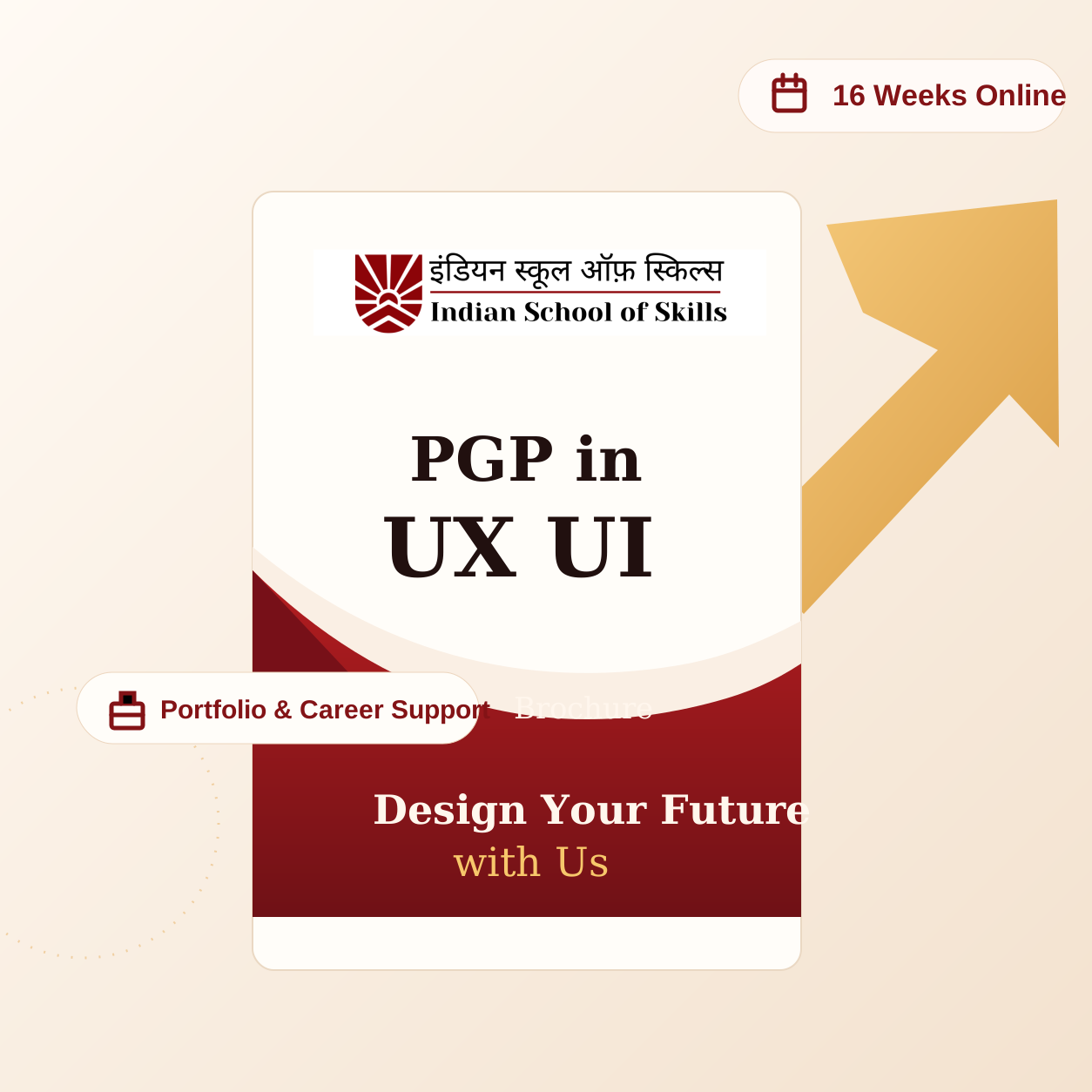
Share your details and we will unlock the remaining week-by-week syllabus.
No spam. We use this to guide the right admissions follow-up.